There are several ways that you can search for an Advisee.
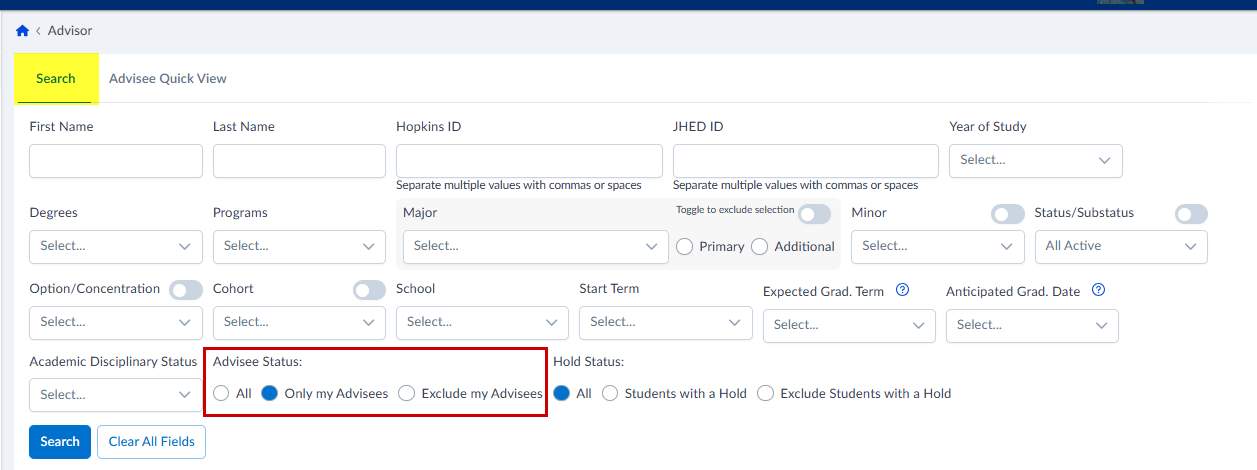
By default, the search is set to find only those students who are assigned to you as advisees. If you’re looking for a larger pool of students, make sure to change “Advisee Status” to “All”.
Other ways to refine your search
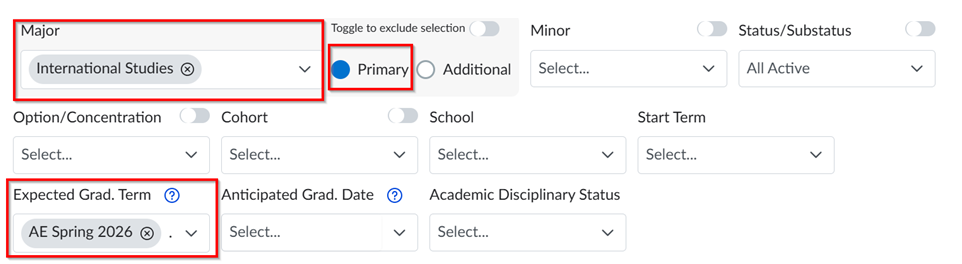
You can search by combinations of filters. For example, you can find all students with a primary major in International Studies, expected to graduate in Spring 2026.
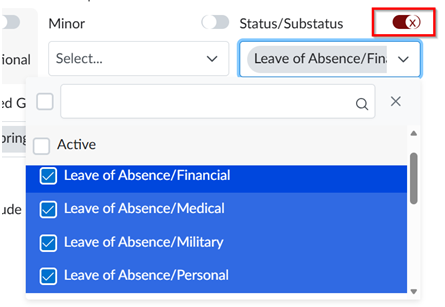
You can search using negative filters (using the toggle next to some of the options). For example, you can search for all students who are not in one of the Leave of Absence status/substatuses: